

















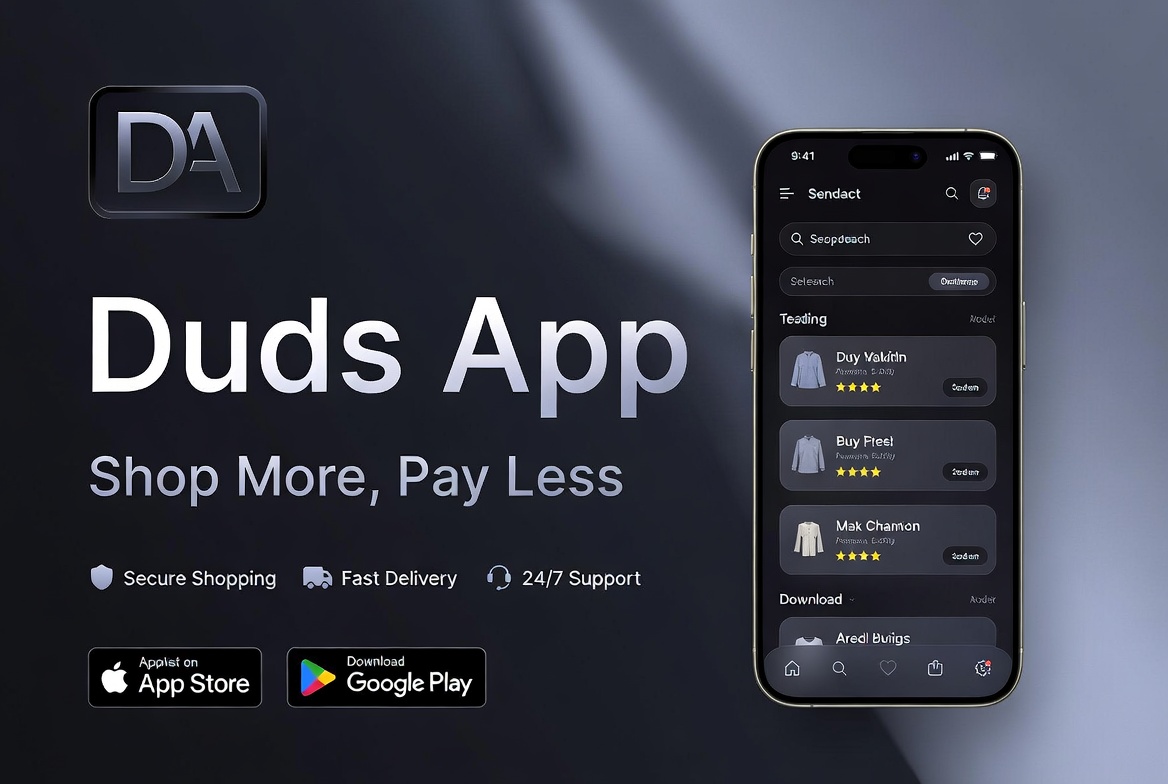
Many people love fashion but find it hard to discover new clothes they like. They see a nice outfit on a friend, in a video, or while walking down the street. Then they wonder where to buy it. This is where the Duds app comes in. It works like a helpful tool that makes shopping for clothes easier and more fun. In this article, you will learn all about the Duds app, how to download it on Android and iOS, its main features, and why it can help you save time and money. We will go step by step so everything feels clear and simple.
What Is the Duds App?
The Duds app is a fashion shopping tool designed to help people find clothes quickly. It uses smart technology to recognize items from photos. Think of it as a friendly helper in your phone that looks at a picture of a shirt, shoes, or full outfit and shows you similar things you can buy.
This means you do not need to spend hours searching online stores. Instead, you take a quick photo or upload one, and the app does the hard work. Many users enjoy this because it feels like having a personal shopping assistant. Over time, more people want apps that save effort, and Duds tries to do exactly that.
Why People Need a Fashion App Like Duds
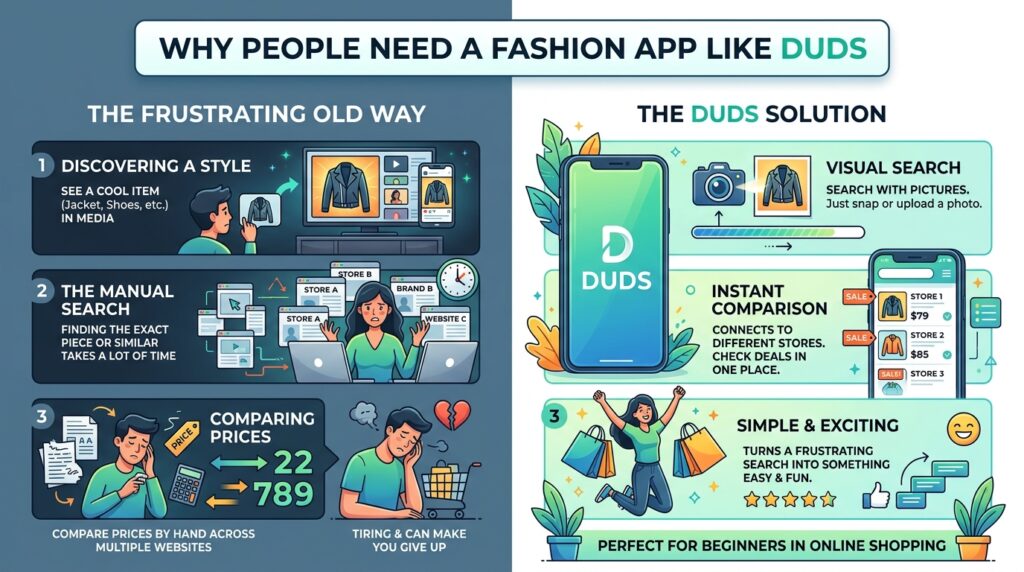
Life moves fast today. You might see a cool jacket in a movie or on social media. Finding the exact piece or something very similar can take a lot of time. Traditional shopping often means visiting many websites and comparing prices by hand.
This is tiring and can make you give up. The Duds app solves this problem by letting you search with pictures. In addition, it connects you to different stores so you can check prices and deals in one place. That’s why many beginners in online shopping find it useful. It turns a frustrating search into something simple and exciting.
How to Download Duds App on Android
Downloading the Duds app on an Android phone is straightforward. First, open the Google Play Store on your device. Next, type “Duds” or “Duds fashion” in the search bar. After that, look at the results and choose the official app.
Tap the Install button. The app will download and install automatically. Once it finishes, you can open it right away. Make sure your phone has enough space and a good internet connection for the first setup. This whole process usually takes just a few minutes.
Many Android users like this because the Play Store keeps apps safe and updated. After installation, the app may ask for permission to use your camera. This helps with photo searches later.
How to Download Duds App on iOS
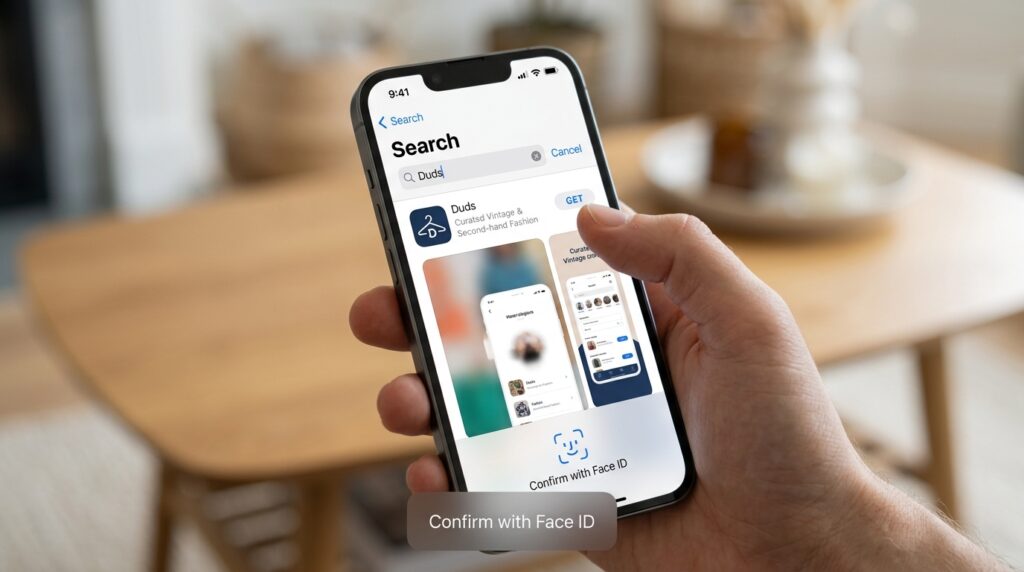
If you have an iPhone or iPad, the steps are also easy. Open the App Store on your device. Then search for the Duds app using the same keywords. Select the right one and tap Get or the download icon.
You might need to enter your Apple ID password or use Face ID. The app will download quickly on most devices. After that, open it to start exploring. iOS users often appreciate how smooth the app feels on Apple phones.
Always download from the official store to stay safe. This simple method works well for both new and experienced phone users.
Main Features of the Duds App
The Duds app has several helpful features that make fashion shopping better. One key part is the photo search. You can point your camera at an outfit or upload a saved picture. The app then finds matching or similar clothes.
For example, if you like a pair of sneakers from a video, take a screenshot and upload it. The app shows options from different brands. Another thing is the list of stores. It connects you to places where you can buy the items, so you see prices and availability right away.
In addition, there are personal boards. You can save favorite items in your own collections. This helps you remember ideas for later. Over time, the app learns what you like and gives better suggestions. This makes shopping feel personal and less random.
Using the Camera for Real-Time Searches
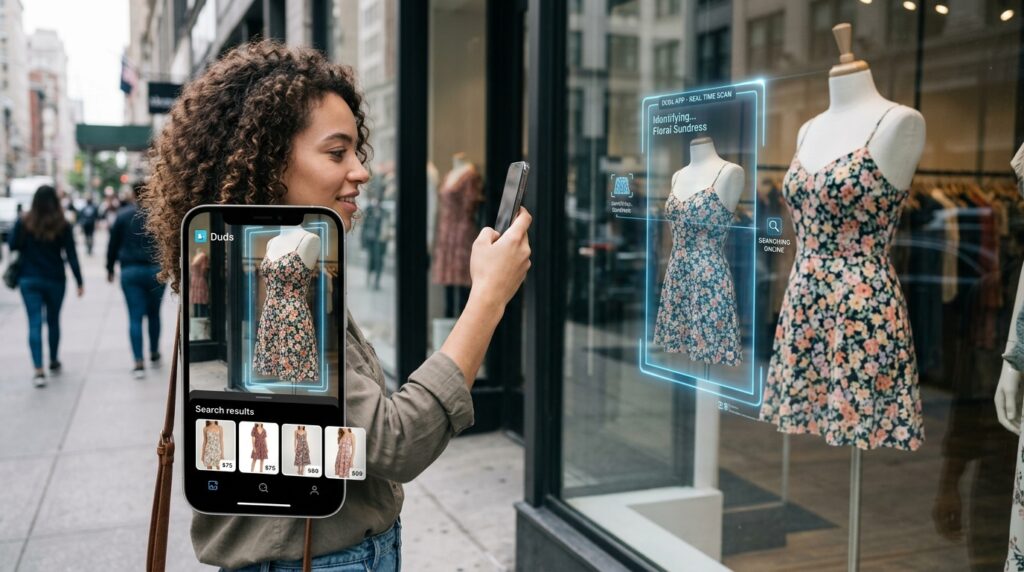
One exciting part of the Duds app is real-time scanning. You open the camera inside the app and look at clothes around you or on a screen. The technology identifies the items quickly.
This works well when you are out with friends or watching shows. Suppose you see a nice dress in a store window. Scan it, and the app can help you find the same style or similar ones online. This feature saves time because you do not need to describe the clothes in words. Pictures do the talking.
Many people say this feels magical at first. With practice, it becomes a natural habit that improves your shopping experience.
Finding Amazing Deals and Saving Money
Fashion can be expensive, but the Duds app helps you find good value. Because it shows items from many stores, you can compare prices easily. You might discover that the same shirt costs less at one shop than another.
Also, the app sometimes highlights special offers or discounts. This means you can grab nice clothes without spending too much. For instance, a beginner shopper might find a basic T-shirt on sale after uploading a picture of a similar one.
In addition, saving items in boards lets you watch for price drops over time. Smart shopping like this helps people build a wardrobe they love while staying within their budget.
Building Your Style with Community and Boards
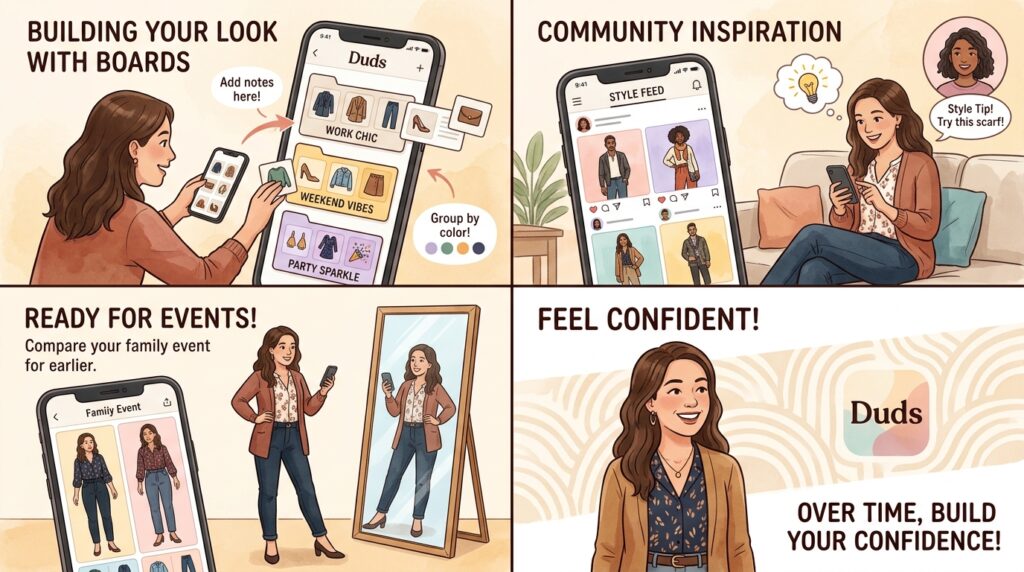
Fashion is not just about buying. It is also about building your own look. The Duds app lets you create personal boards for different needs, like work clothes, weekend outfits, or party styles.
You can add notes or group similar colors together. Another helpful part is the community feel. Users share ideas and get inspiration from others. This works like having friends who give style tips.
For example, if you are not sure what to wear to a family event, looking at saved boards can give you quick ideas. Over time, these tools help you feel more confident about your choices.
Tips for New Users to Get the Most from Duds
When you first start with the Duds app, take time to explore the settings. Set your preferences for sizes, colors, and brands you like. This helps the app give better matches later.
Always use clear, well-lit photos for searches. Blurry pictures may not work as well. Next, check the results carefully and read store details before buying. It is smart to start with small searches to learn how the app works.
Another tip is to update the app regularly. New versions often bring improvements in speed and accuracy. By following these simple steps, even complete beginners can enjoy smooth shopping.
How Duds App Makes Shopping Safer and Easier in 2026
By 2026, many fashion apps use smart tools to help people. The Duds app fits well in this world because it combines picture search with store links. Users report that it reduces the stress of online shopping.
You spend less time scrolling and more time enjoying your new finds. This is especially good for busy parents, students, or anyone who wants to look nice without much effort. The app continues to grow with user feedback, making it more helpful each year.
Staying Safe While Using Fashion Apps
It is always important to protect your information. Use strong passwords and only download from trusted stores like Google Play or the App Store. Read reviews from other users to learn about their experiences.
When you buy through the app, check that the payment page is secure. These small habits keep your shopping enjoyable and worry-free.
Conclusion
The Duds app offers a simple way to explore fashion, find clothes you love, and discover deals. From easy downloads on Android and iOS to smart photo searches and personal boards, it brings many useful tools together. By learning its features step by step, you can make better shopping choices and build a style that feels right for you.
Fashion should be fun and not stressful. Trying new apps like this can open fresh ideas and help you enjoy dressing up every day. Give it a try and see how it fits into your routine.
Disclaimer:
This article provides general information only and is for educational purposes. Availability, features, and download options for the Duds app may vary. Users should verify details directly from official app stores and exercise caution with any purchases or personal data. We do not endorse or promote any specific product, service, or app. Always check current app policies and reviews before downloading or using any application.